)
)
)
1. Log into the Exhibitor Portal -
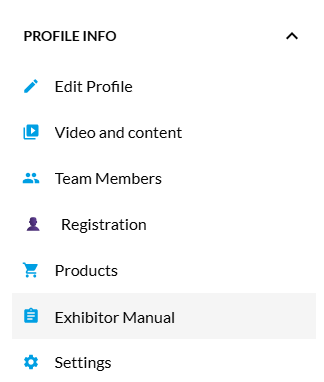
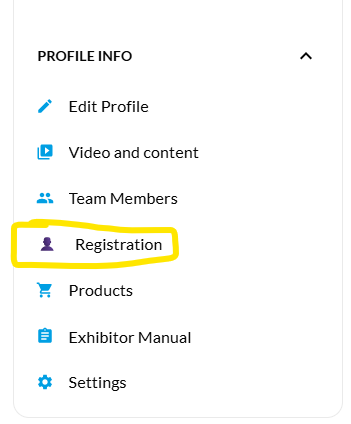
2. Select 'Registration' located in the drop-down menu
3. Select 'Staff registration'
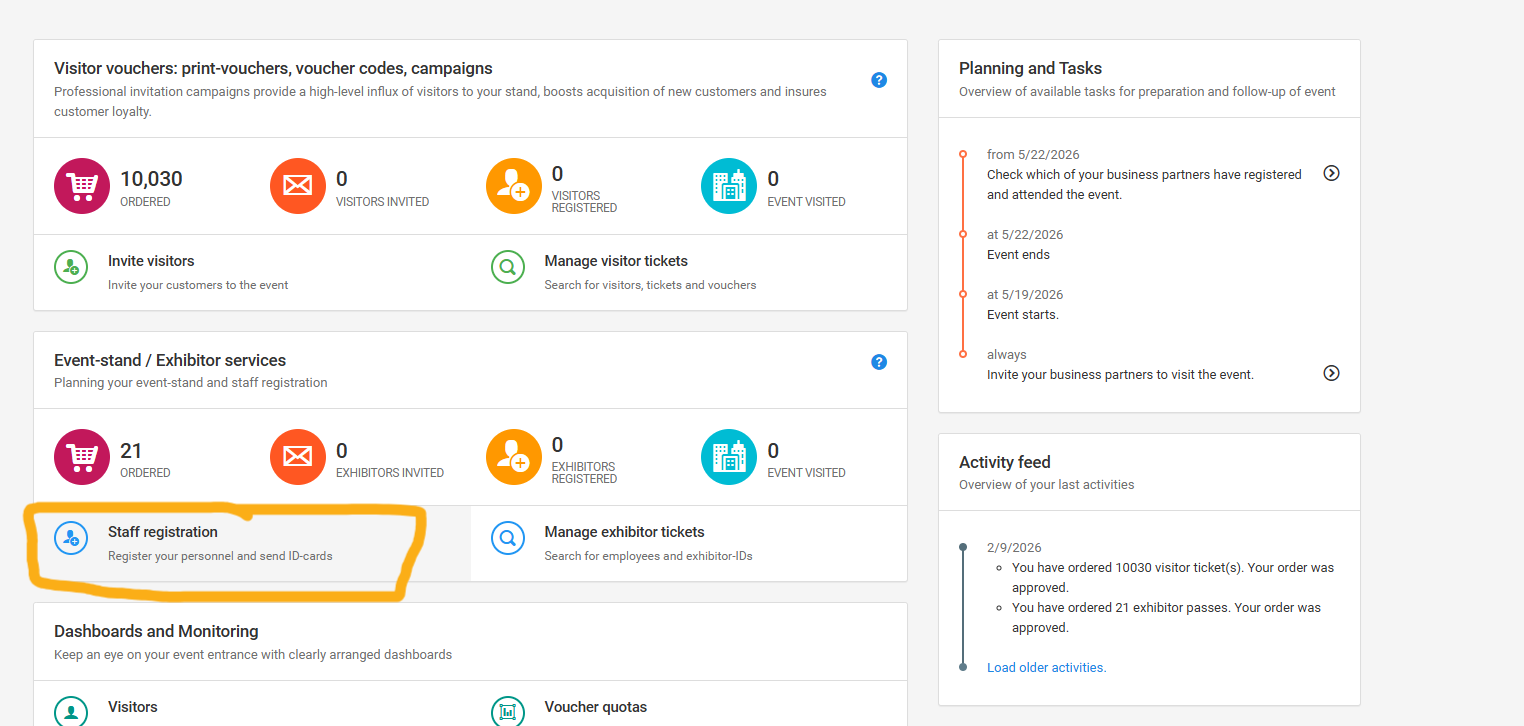
4. Follow the on-screen instructions to add your staff details and send their activation emails
More help with this can be found here
1. Log into the Exhibitor Portal -
2. Select 'Registration' located in the drop-down menu

3. Use your promo code (located in the top corner) OR share your personal link
You can find out more in our How-to guide
To invite customers using the email templates
1. Select 'Invite visitors'
2. Go to 'Next step'
3. Select your email template (you can add your logo by clicking the pen icon)

4. Go to 'Next step'
5. Add the details of the recipient (or bulk upload using the import tab)

6. Go to 'Next step'
7. Review and click 'Begin the campaign' button
VIPs are by invite only for 2026.
1. Log into the Exhibitor Portal -
2. Select 'Registration' located in the drop-down menu
3. Select 'Invite visitors' and then VIP
4. Go to 'Next step'
5. Select your email template (you can add your logo by clicking the pen icon)
6. Go to 'Next step'
7. Add the details of the recipient (or bulk upload using the import tab)
8. Go to 'Next step'
9. Review and click 'Begin the campaign' button
Your promo code is a series of 4 letters located within Registration in the top left corner. Please note, your customer can access any of the six shows with the one registration.
NB. your promo code can only be used to register for the show you signed up for (for example, if you signed your contract in WrapFest your code will only be accepted in the WrapFest registration page).
Your promo codes are free for clients to use until 20 April.
After this they will be €35 per use, payable by the client.
Yes, one registration allows you entry for each day of the show (19 - 22 May).
You will need to print your badge from Reception the first day you arrive, but this can be used for subsequent days entry.